A storefront can look secure at 6 p.m. and still have a serious vulnerability by morning. A former employee may still have a key. A rear-door lock may no longer latch correctly. A manager may be the only person who knows the alarm code. This commercial locksmith security guide helps Bay Area business owners and property managers identify the gaps that put people, inventory, equipment, and operations at risk.
Commercial security is not about buying the most expensive hardware available. It is about choosing the right protection for your building, controlling who can enter, and acting quickly when access changes. A small office, restaurant, apartment building, warehouse, and medical practice all have different risks. The right plan should match the property, daily traffic, and the value of what needs protection.
Start With the Doors That Matter Most
Most break-ins and unauthorized entries happen through ordinary access points, not dramatic movie-style attacks. Start by walking the property from the outside and then through each interior area. Check the front entrance, rear and side doors, employee entrances, loading areas, storage rooms, offices, gates, and any door connecting to another tenant space.
Look closely at the condition of each door and frame. A high-quality lock cannot compensate for a weak strike plate, loose hinges, warped door, cracked frame, or a door that does not close fully. If the latch does not engage every time, the door is not secure, even if it appears locked from a distance.
Pay special attention to rear doors. They are often out of public view, used heavily by staff and deliveries, and overlooked during routine maintenance. A commercial locksmith can inspect the lock, latch, door alignment, hinges, panic hardware, and strike reinforcement as one system. That approach prevents a partial repair that leaves the actual weakness in place.
Match Hardware to the Door’s Job
A public entry door needs different hardware than an interior supply closet. Exterior doors typically need commercial-grade deadbolts, lever locks, narrow-stile hardware for aluminum storefront doors, or other hardware designed for the specific door type. Fire-rated doors and exit doors require extra care because the wrong installation can affect safety compliance and emergency egress.
For exit doors, panic bars or exit devices allow occupants to leave quickly without a key. They must operate reliably every time. Do not add aftermarket locks, chains, or improvised barriers that could prevent an emergency exit. Security should protect the building without trapping the people inside it.
Control Keys Before You Add More Technology
Keys are simple, but poor key control creates one of the most common commercial security problems. If multiple former employees, vendors, cleaners, or contractors may still have keys, you do not have reliable control over your building.
Rekeying is often the fastest, most cost-effective response when personnel changes occur. Rather than replacing every lock, a locksmith changes the internal pins so old keys no longer work. It is a practical choice after a termination, lost key, tenant turnover, ownership change, or dispute with a vendor who had unsupervised access.
Keep a written record of who receives each key and what doors it opens. Avoid marking keys with the business name, suite number, or address. If a key ring is lost, those labels can direct someone straight to the property.
Restricted key systems can offer more control for businesses that manage several employees, units, or locations. These keys are harder to duplicate without authorization, helping managers track who can request copies. They cost more than standard keys, but the added accountability can be worthwhile for offices, apartment properties, medical facilities, and businesses with sensitive inventory.
Use Access Control Where It Solves a Real Problem
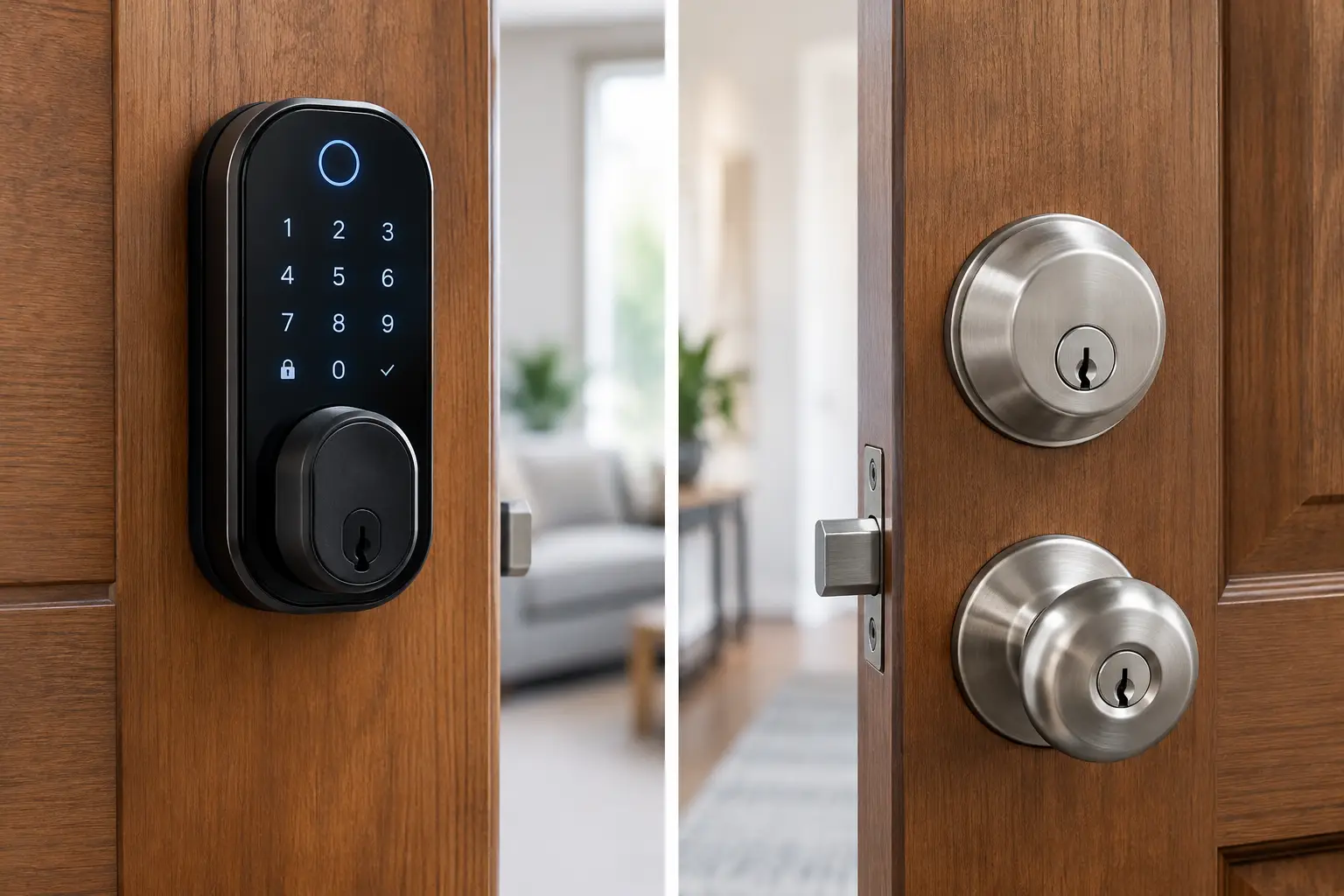
Electronic access control can make staff changes easier because a lost credential can be removed from the system instead of requiring a full rekey. Depending on the setup, employees may use cards, fobs, PINs, mobile credentials, or a combination of these options.
This is especially useful when access needs to change frequently or when different teams need different permissions. For example, a restaurant manager may need access to the office and cash room, while a delivery driver only needs the rear entry during limited hours. A property manager may need one credential that works across multiple approved buildings.
Technology has trade-offs. Electronic locks and access systems require proper installation, dependable power or battery maintenance, and a clear plan for outages. A complicated system is not automatically a better one. Choose controls your team can manage consistently, and confirm that every protected door still allows safe emergency exit.
Build a Fast Response Plan for Lost Keys and Lockouts
A lockout can stop business immediately. A manager locked out before opening, a broken key in a storefront lock, or a malfunctioning exit device can create lost revenue and a safety concern. The best time to decide who to call is before the emergency happens.
Create a simple response plan that identifies authorized decision-makers, emergency contacts, alarm company procedures, and the location of any backup keys or access credentials. Limit backup-key access to trusted people and review the list regularly. If your only backup key is inside the locked building, it is not a backup plan.
When a lock is damaged after a break-in attempt, avoid forcing it closed with temporary measures that compromise the door or prevent safe exit. Secure the opening as quickly as possible, document the condition for insurance or police reporting when appropriate, and have the hardware inspected. A mobile commercial locksmith can often repair or replace damaged locks on-site and help restore controlled access without unnecessary damage to the door.
Do Not Ignore Employee Access Changes
Security failures often follow a routine personnel event: an employee quits, is terminated, changes roles, or loses a key. Treat access removal as part of the offboarding process, not an afterthought.
Collect keys, fobs, gate remotes, parking passes, and alarm information immediately. Disable electronic credentials the same day. If a key cannot be recovered or you cannot verify how many copies exist, rekey the affected locks. This may feel inconvenient, but it is far less disruptive than dealing with theft, unauthorized entry, or a compromised tenant space later.
The same rule applies to contractors and vendors. Give access only to the areas they need, for the time they need it. If a contractor requires recurring access, document it and review it periodically. Convenience should never become permanent access by accident.
Schedule Maintenance Before Hardware Fails
Commercial locks take more wear than most owners realize. Doors are slammed, propped open, pulled out of alignment, exposed to weather, and used hundreds of times a day. Early warning signs include a key that sticks, a lever that sags, a deadbolt that needs to be pushed or pulled to lock, a door that drags, or a panic bar that feels loose.
These are not minor annoyances. They can lead to a lockout, a door that will not secure, or emergency hardware that does not work properly when needed. Scheduled inspection and repair are usually less expensive and less stressful than an after-hours failure.
For multi-tenant buildings and busy commercial spaces, it helps to set a regular review schedule. Check door closers, hinges, locks, strike plates, exit devices, access credentials, and key records. After a move-out, break-in, major staffing change, or renovation, schedule an additional review.
When a Security Upgrade Is Worth It
Not every business needs a complete hardware replacement. Sometimes a rekey, reinforced strike plate, door adjustment, or repair to existing commercial hardware is enough. Other situations call for an upgrade, particularly when the existing locks are worn, keys have circulated widely, or the building has repeated access problems.
Consider stronger protection when you have high-value inventory, sensitive records, frequent turnover, multiple tenants, cash handling, or a history of attempted entry. A professional assessment should explain what needs to change, why it matters, and whether repair or replacement is the smarter investment. You should not be pressured into hardware you do not need.
For businesses in Daly City, San Francisco, and nearby Bay Area communities, YES Locksmith provides mobile commercial locksmith service for lockouts, rekeying, repairs, replacement, and security upgrades. A licensed, bonded, and insured technician can evaluate the condition of your doors and hardware on-site, then recommend practical steps that fit the property.
A secure business does not rely on luck or one strong lock. It relies on doors that close correctly, access that is controlled, and a dependable response when something changes. Take a walk through your property this week with those basics in mind. The issue you catch before closing time may be the one that protects your business overnight.