
A former employee’s key, a damaged storefront deadbolt, or a file room that too many people can enter can create a serious business risk fast. Knowing how to upgrade office locks starts with identifying who needs access, which doors protect your most valuable areas, and where your current hardware is falling short. The right upgrade should protect your people and property without making daily operations harder.
For offices in San Francisco, Daly City, and nearby Bay Area communities, lock upgrades also need to account for busy entryways, shared buildings, employee turnover, and the need to secure the premises quickly after a change. A professional locksmith can assess the doors on-site, recommend compatible hardware, and install it without unnecessary damage to your doors or frames.
Start With the Doors That Create the Most Risk
Not every office door needs the same lock. Your front entrance, rear exit, manager’s office, server room, supply closet, and records storage area have different security needs. Treating every door alike can leave critical areas underprotected or cause your business to spend money where it does not need to.
Begin with a practical walk-through. Look at every exterior door, then focus on interior doors that protect cash, customer records, equipment, medication, inventory, or confidential information. Pay attention to doors with worn hardware, loose strike plates, keys that stick, or locks that employees have learned to work around. Those are not minor inconveniences. They are signs that the lock may fail when you need it most.
Also consider traffic patterns. A main entrance used by dozens of employees each day needs durable commercial-grade hardware. A rarely used utility door may need a stronger deadbolt and better reinforcement, while a restricted office may benefit from controlled electronic access rather than another metal key.
How to Upgrade Office Locks With the Right System
The best lock system depends on the size of your team, the type of business, and how often access changes. A small professional office with a stable staff may be well served by commercial deadbolts and a restricted keyway. A multi-tenant office, medical practice, retail operation, or growing company may need more control than standard keys can provide.
Improve mechanical locks before they become a weak point
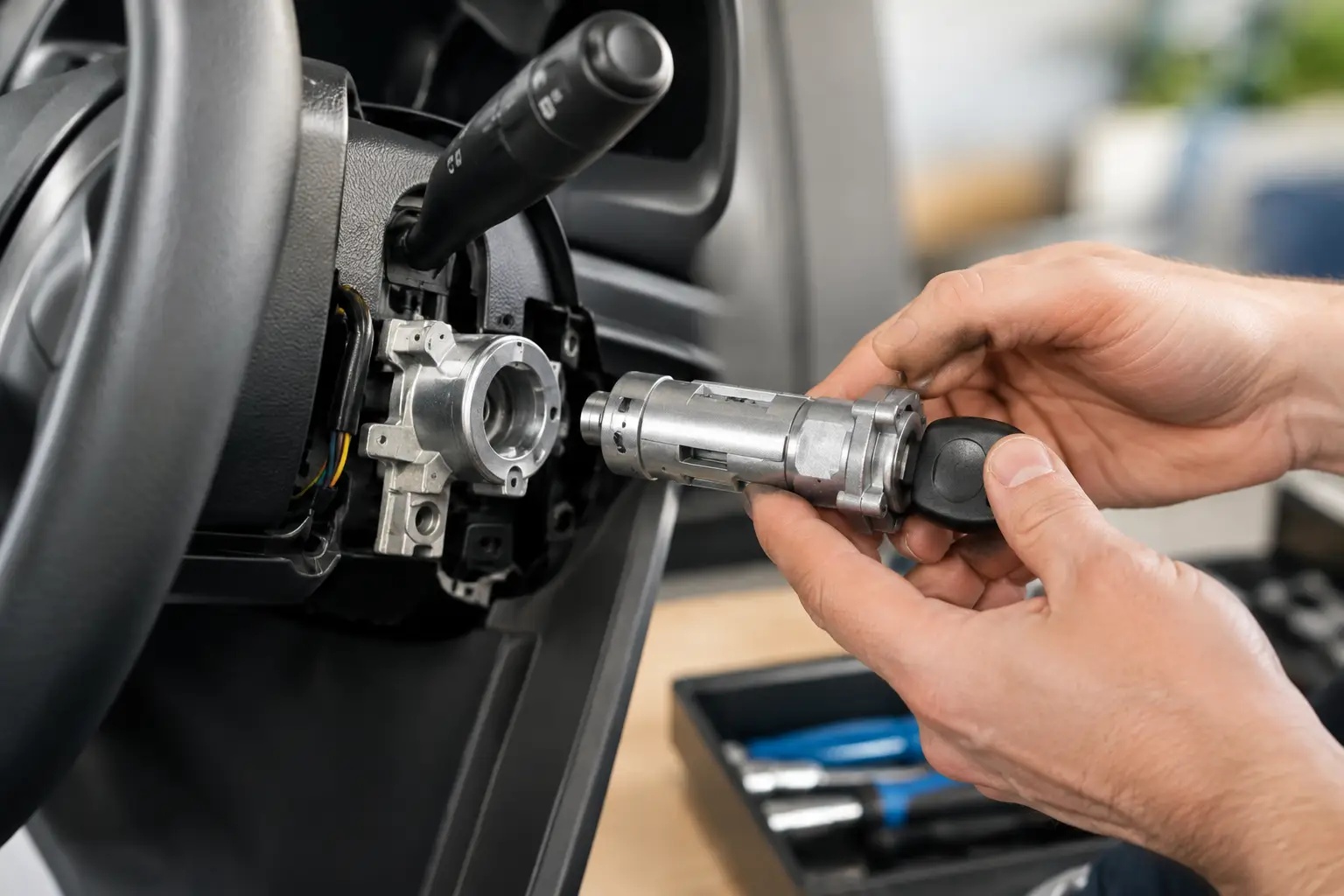
Commercial-grade deadbolts, lever locks, mortise locks, and panic hardware are built for repeated use and higher security demands. A locksmith can determine what your existing door and frame will support. Installing a high-security lock on a weak frame or worn strike plate will not provide the protection you expect.
Reinforcing the strike area is often as important as replacing the lock itself. The strike plate anchors the locked door to the frame. If it is loose, thin, or secured with short screws, a strong lock can still be vulnerable. Proper installation includes checking alignment, reinforcing the frame when needed, and making sure the latch engages fully.
For employee-only areas, restricted key systems can be a smart middle ground. These keys are harder to duplicate without authorization, which gives managers more control over who can make copies. They are useful for offices that do not need electronic access but want to reduce the risk of untracked spare keys.
Consider keypad, card, or fob access for changing teams
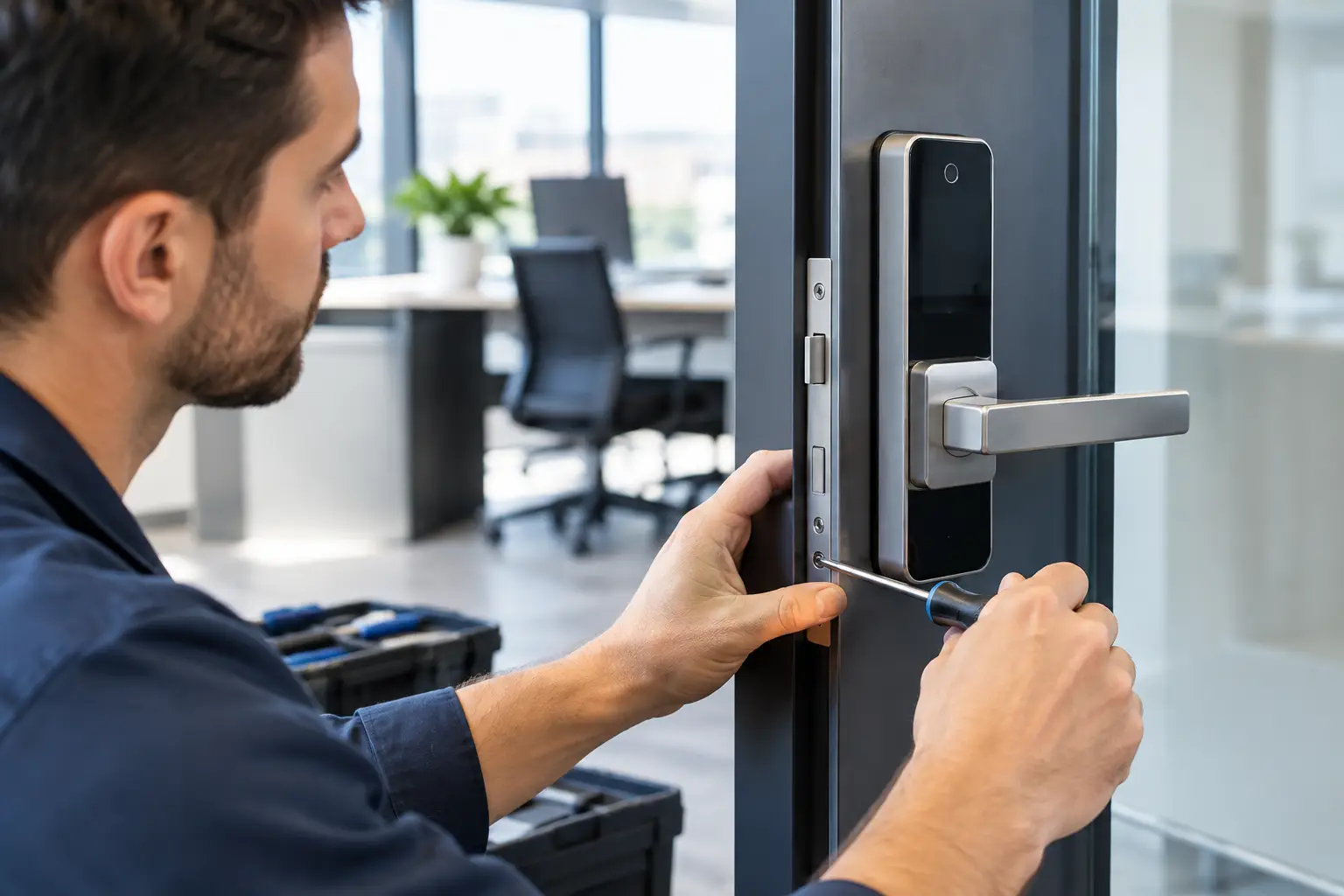
Electronic access control can make sense when staff changes frequently or when different people need access at different times. Instead of collecting and replacing keys after every departure, you can remove a former employee’s code, card, or fob from the system. That can reduce exposure and simplify access management.
Keypads are often a practical choice for smaller offices because users can enter with a code. Card and fob systems can work well for larger teams or shared commercial spaces, especially when you need to assign access by door, department, or schedule. Some systems can also create an access history, which may help managers investigate an after-hours entry issue.
Electronic locks do involve trade-offs. They need reliable installation, battery monitoring or power planning, and clear procedures for emergencies. A lock that is convenient but poorly managed can create new problems. Before choosing a system, decide who will control user permissions, who will update credentials, and how the business will handle lost fobs or forgotten codes.
Do not overlook emergency exit requirements
Exterior doors and employee exits must balance security with safe egress. Employees need to be able to leave quickly in an emergency, even when the door is secured from the outside. Panic bars and other exit devices are common on commercial doors for this reason.
Do not install a lock that blocks a required exit path or makes it difficult to open the door from inside. Building rules and fire safety requirements vary by property and door type. An experienced commercial locksmith can help you choose hardware that improves security while keeping the building safe and functional.
Re-Keying, Replacing, or Repairing: Choose the Right Fix
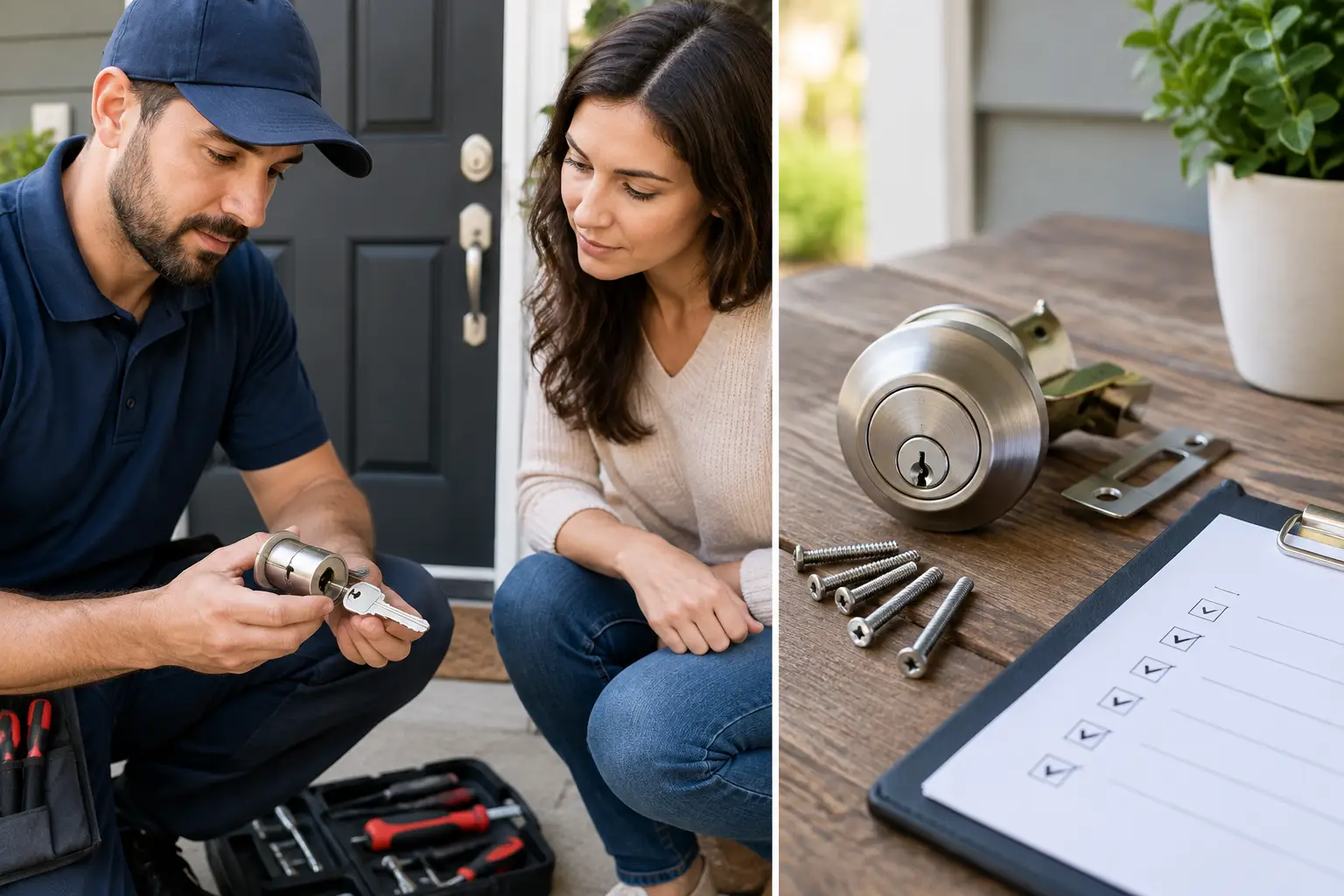
A full lock replacement is not always necessary. If the hardware is in good condition but keys are unaccounted for, re-keying may be the fastest and most cost-effective solution. Re-keying changes the internal pin configuration so old keys no longer work. It is especially useful after employee turnover, a lost master key, a tenant change, or a contractor who did not return a key.
Replacement is usually the better choice when locks are damaged, outdated, unreliable, or too easy to bypass. It is also appropriate when you are moving from basic hardware to a higher-security system, restricted keys, or electronic access.
Repair may be enough if the issue is limited to alignment, a worn latch, a broken lever, or a failing cylinder. The key is to avoid treating a recurring problem as a temporary inconvenience. If employees have to pull, push, lift, or force a door to lock, the door needs professional attention before it becomes a lockout or security failure.
Build an Access Plan Before You Hand Out New Keys
Upgrading locks works best when it is paired with a clear access policy. Decide which roles need access to each area and avoid giving every employee a master key. A simple hierarchy can protect sensitive spaces while keeping the workday moving: general staff access for common entrances, manager access for administrative areas, and limited access for records, technology, inventory, or financial storage.
Keep an accurate record of every key, card, fob, and code issued. When an employee leaves, retrieve physical credentials immediately and disable electronic credentials the same day. If a key cannot be accounted for, re-key the affected lock rather than hoping it does not turn up in the wrong hands.
It also helps to assign one responsible person to manage access. When several people can issue keys or share door codes without documentation, control disappears quickly. For property managers and business owners, a written key and access log can prevent confusion during staff changes, emergencies, and tenant transitions.
Plan the Upgrade Around Business Hours
Many businesses put off lock work because they worry about interrupting customers or employees. In most cases, a locksmith can schedule work around your operations. Exterior doors can often be serviced one at a time, and interior lock changes may be completed before opening, after closing, or during a lower-traffic period.
For an urgent concern, such as a terminated employee with an unreturned key or a break-in attempt that damaged a door, speed matters more. Secure the affected entry point immediately, then evaluate whether other doors use the same key system. A rushed fix on one door can leave matching keys active elsewhere in the office.
Before work begins, ask for a clear explanation of the recommended hardware, the reason it fits your door, and whether re-keying or replacement makes more sense. You should know what the lock will do, who will have access, and how future key copies or credential changes will be controlled.
A licensed, bonded, and insured mobile locksmith can inspect the problem at your location and complete the work where it is needed. With more than 20 years of experience serving local homes and businesses, YES Locksmith helps office owners and property managers address damaged locks, access changes, re-keying, and commercial security upgrades without unnecessary delay.
Your office locks should support your business, not become a daily source of worry. If a key is missing, a door is unreliable, or access has outgrown the system you have, address it before the next staff change or security incident forces the issue.