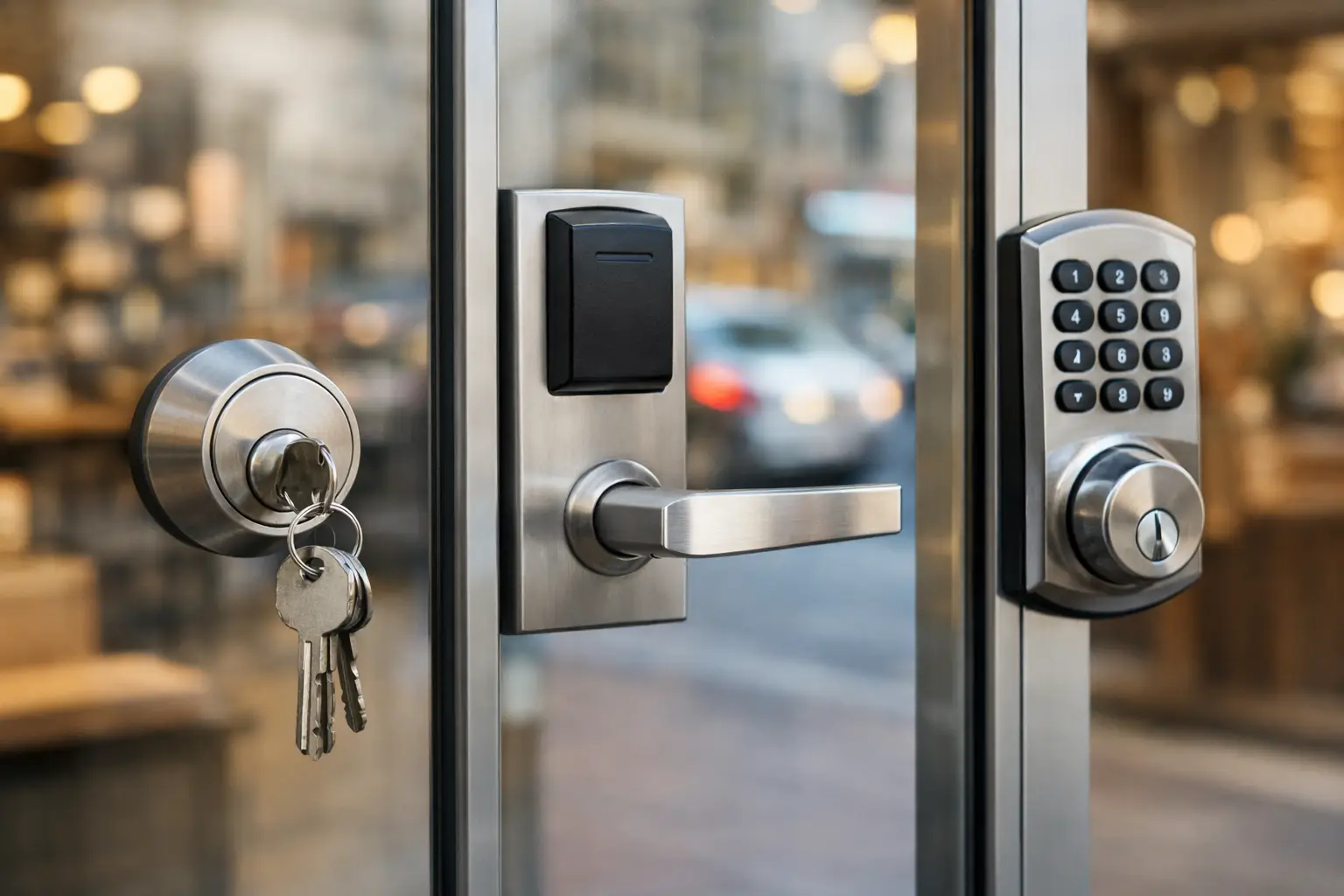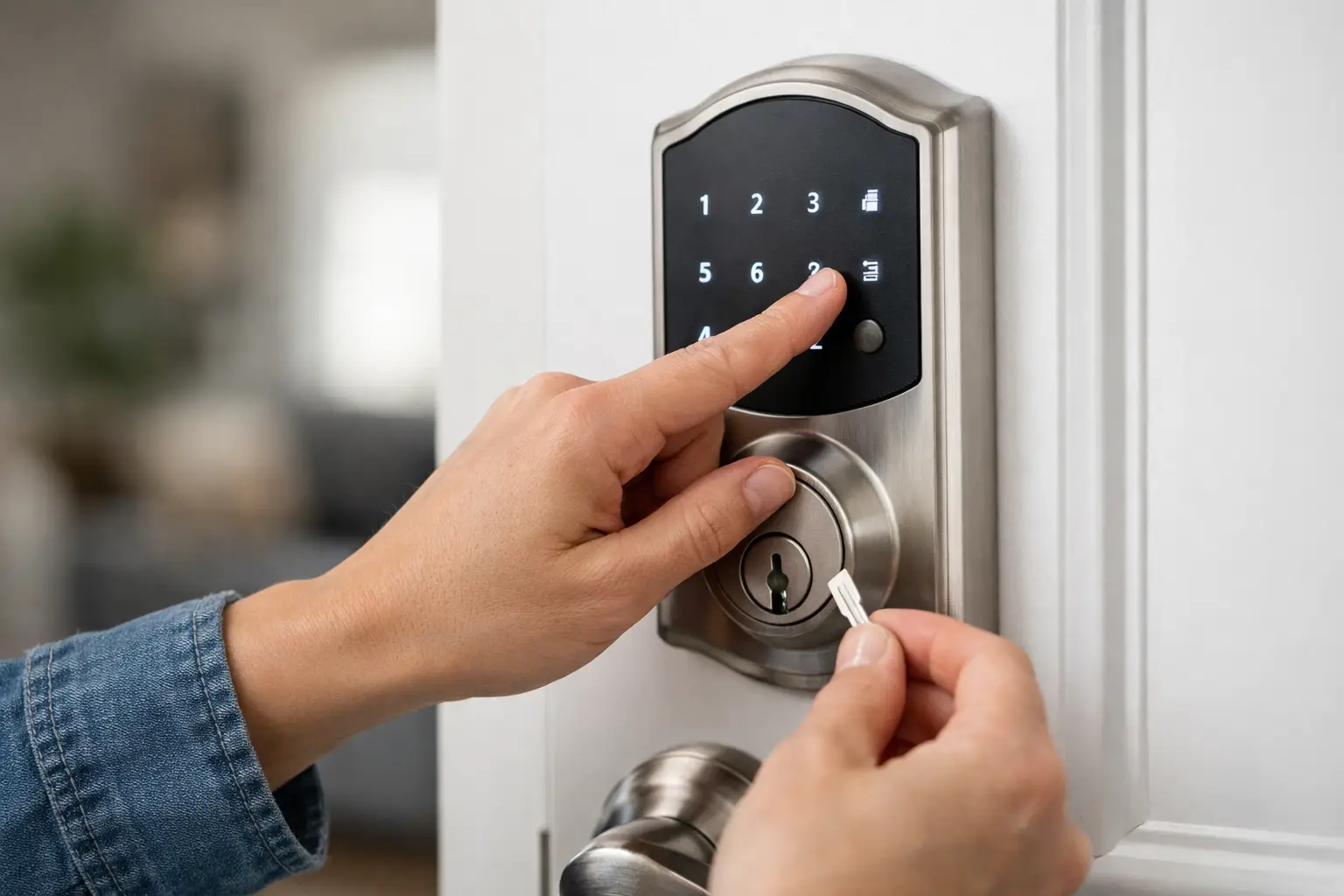

A keypad code that suddenly stops working can turn an ordinary day into a security problem fast. Whether you have forgotten the current code, moved into a new home, changed employees, or suspect someone else knows the number, knowing how to reset keypad code settings correctly helps you regain control without damaging the lock or leaving your property exposed.
The right reset method depends on the lock’s brand, model, and whether you still have access to its programming code or master credentials. A simple code change is usually quick. A full factory reset can be more involved and may erase every user code, connected app setting, and access schedule stored in the lock. Before pressing buttons at random, take a moment to identify what kind of reset you actually need.
Know What Type of Keypad Reset You Need
Most electronic deadbolts and keypad lever locks offer two different options: changing an existing user code or restoring the lock to factory settings. These are not the same thing.
Changing a user code is the better choice when you still know the programming code, master code, or have administrator access through the lock’s app. It lets you remove an old code and add a new one while keeping the lock’s basic setup intact. This is common after a tenant moves out, a contractor finishes work, or a household member shares a code with someone who should no longer have access.
A factory reset is usually necessary when the programming code is unknown, the lock was purchased used, the lock has been transferred to a new owner, or the keypad and app are not responding as they should. Factory resetting puts the lock back into its original setup state. It is effective, but it also means you must program the lock again from the beginning.
For commercial properties, be especially careful. Resetting a keypad lock can remove access codes used by employees, vendors, cleaners, and managers. Make a record of authorized users before making changes so you can restore the right access promptly.
Before You Reset a Keypad Code
Keep the door open and the deadbolt retracted while you work. This matters more than many people realize. If the new code does not save correctly or the lock loses power during programming, you do not want to be standing outside with a locked door and no working credential.
Check the batteries first. Weak batteries are a common reason keypad locks flash, beep unexpectedly, reject a correct code, or fail halfway through a programming sequence. Replace old batteries with fresh, high-quality batteries of the type specified by the manufacturer. Do not mix old and new batteries.
Next, locate the lock’s brand and model number. It may be printed inside the battery compartment, on the interior assembly, or in the original paperwork. The exact button sequence differs by model. Some locks use a programming button on the interior side, while others require entering a master code at the exterior keypad.
If you have the instruction manual, use it. If not, avoid guessing at repeated button combinations. Too many incorrect attempts may trigger a temporary keypad lockout, erase settings, or make it harder to determine whether the lock has a mechanical or electronic problem.
How to Reset Keypad Code Settings Safely
For a standard user-code change, begin by opening the door and confirming that the lock has fresh batteries. Use the existing programming or master credential to enter programming mode according to the manufacturer’s instructions. Once you are in programming mode, delete the old user code first, then add the new one.
Choose a code that is hard to guess but easy for authorized users to remember. Avoid addresses, birthdays, repeated digits, and obvious patterns such as 1234 or 0000. A longer code is generally safer when your lock allows it. For a home, limit the code to people who genuinely need regular access. For a business, assign separate codes when possible so access can be removed for one person without disrupting everyone else.
After saving the new code, test it several times with the door still open. Lock the deadbolt, enter the new code, and confirm that the bolt retracts fully. Test the old code as well to make sure it no longer works. If the lock includes an auto-lock setting, verify that it engages and releases properly.
Do not skip the final test. A keypad may accept a new code entry but fail to operate the bolt because of low power, incorrect installation, or a door that is out of alignment. If the latch or deadbolt rubs against the strike plate, the problem may be mechanical rather than a code issue.
When a Factory Reset Is Necessary
A factory reset should be your next step only if you cannot access the programming menu, do not know the master code, or need to completely clear the lock for security reasons. The reset procedure usually involves opening the battery cover, pressing or holding a reset button, and restoring power or following a specific keypad sequence. Because those steps vary widely, use the instructions for your exact lock model.
Once reset, the lock may no longer recognize any previous codes, connected phone access, remote controls, or smart-home integrations. You will need to create a new programming code, add user codes, and reconnect any supported devices. Keep the door open until every setting has been tested.
If you are resetting a keypad lock after moving into a property, change the physical key cylinder or have the lock re-keyed as well when applicable. Resetting the electronic code does not prevent an old key holder from using a mechanical key. Electronic access and key access should be secured together.
Common Problems After Resetting a Keypad Lock
If the keypad lights up but will not accept the new code, start with fresh batteries and confirm you followed the correct timing and button sequence. Many locks require a confirmation button, a specific number of digits, or a short pause between steps. Referencing the exact model instructions is safer than repeating attempts.
If the lock beeps, flashes red, or works only intermittently, inspect the interior cable connection and mounting screws. A pinched cable, loose connection, or overtightened installation can interfere with the electronics. Do not force the keypad, turn the thumbturn aggressively, or disassemble the exterior unit while the door is closed.
A keypad that accepts codes but will not lock or release the deadbolt may have an alignment issue. Weather changes, door settling, and worn strike plates can put pressure on the bolt. Test the lock with the door open. If it works open but not closed, the door or strike plate likely needs adjustment.
When to Call a Locksmith Instead of Resetting It Yourself
Call a professional locksmith if the door is locked and you cannot access the interior reset button, the keypad lock has failed completely, the lock is damaged, or you are dealing with a commercial access issue. The same applies if you are unsure whether resetting the lock will erase essential codes or if you need the mechanical key cylinder secured at the same time.
A trained mobile locksmith can identify whether the issue is a lost code, dead batteries, failed electronics, poor door alignment, a damaged lock, or an installation problem. That prevents unnecessary replacement costs and helps protect the door, frame, and existing hardware. For homes, businesses, rental properties, and urgent lockouts across the Bay Area, YES Locksmith can provide on-site help without treating your security problem like a guesswork project.
Keep Your New Code Protected
Once the reset is complete, store the programming instructions and master credential in a secure place away from the door. Do not write the active user code on a note inside the battery compartment. Review who has access whenever a roommate moves out, an employee leaves, a key is lost, or a service provider no longer needs entry.
A keypad lock is most useful when its access settings reflect who should be able to enter right now. Reset the code carefully, test it before closing the door, and get professional help when the lock’s condition or your property’s security is in question.